Guide/Part Seven · Collaborate with an editor
Receive & review (the editor)
Open a packet someone sent you and start marking it up.
- On Home, click Unpack an edit packet (or choose File ▸ Unpack Edit Packet) and pick the
.glasspack. If it's protected, enter the Packet password and click Unlock. - Check the preview (who sent it, which document, which pass, and any note), then click Save review copy to save a review copy and open it.
- On first open, GLASS asks Who's editing? Enter Your name and click Continue. You can also rename the pass here; the author sees the new name when your edits return.
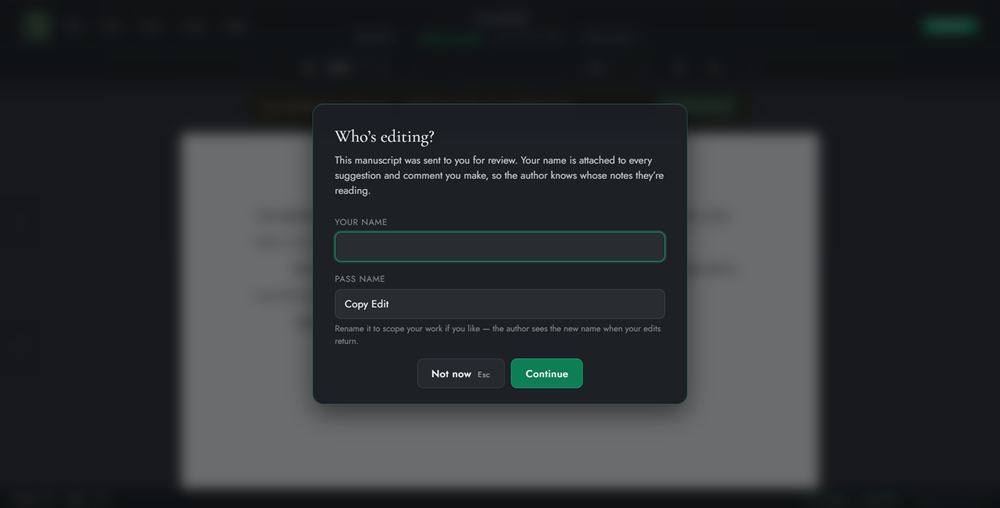
A review copy opens straight into Review Mode, and Draft Mode isn't available on it. If you choose Not now, you can read the copy but not mark it up until you click Identify yourself. Make suggestions and comments the same way the owner does; see The Review workspace.