Guide/Part Seven · Collaborate with an editor
Return your edits (the editor)
Send your marked-up pass back.
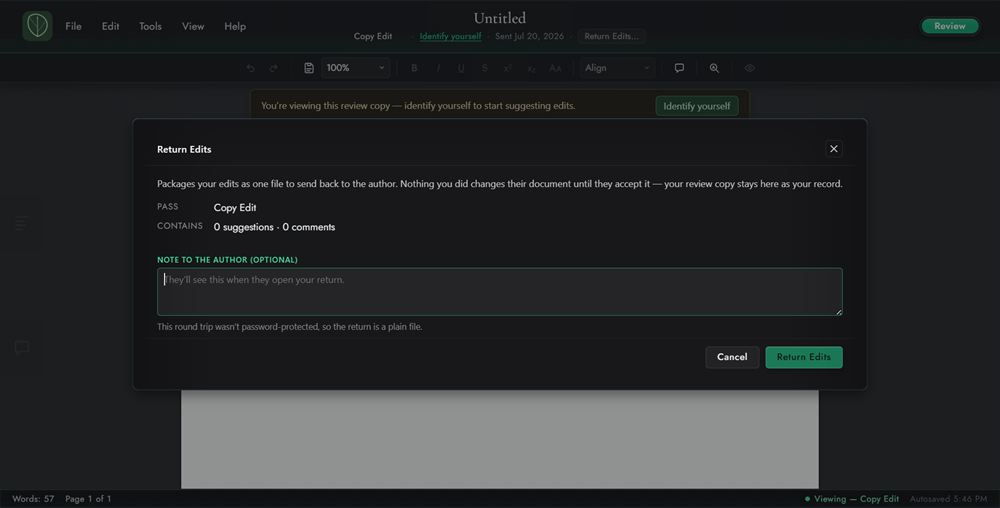
- Click Return Edits under the document title at the top of the window (or choose File ▸ Return Edits). It's available once you've added at least one suggestion or comment.
- Add an optional note, click Return edits, and save the return
.glasspack. Send it back to the author.
Note
If the packet came protected, the return is protected under the same password automatically; you don't set a new one. After you return your edits, the pass on your copy closes. The copy stays as a read-only record of the work you sent.